Skip to content
888starz Skachat
18+Windows · macOS · Linux

888starz PC: three ways to use it on a big screen

There is no separate Windows client from the operator — and you do not need one. We cover the browser version, the shortcut app, and running the Android build through an emulator.

  • No downloadruns in the browser
  • Chrome · Edgeshortcut as an app
  • One accountsite, phone, computer
888starz download PC: how to set it up and use it on a computer
Guide

A shortcut app in Chrome or Edge in 4 steps

  1. Open the operator's site in your browser

    A current Chrome, Edge or Yandex Browser works. Sign in first so the shortcut opens straight into your account.

  2. Click Install in the address bar

    The icon appears on the right of the address bar. In Chrome the same option is in the menu: Save and share → Install page as app.

  3. Confirm the installation

    A shortcut appears on the desktop and in the Start menu. The site opens in its own window without tabs or an address bar.

  4. Pin it to the taskbar

    Right-click the icon → Pin. Browser notifications arrive even when the window is minimised.

Contents
  1. Why there is no separate Windows program
  2. Browser version: the simplest option
  3. A shortcut app without installation
  4. The Android app through an emulator
  5. Computer requirements

Why there is no separate Windows program

The query ‘888starz download for PC’ is popular, but the premise is outdated: the operator does not release a client for Windows or macOS. Everything — pre-match, live, casino, cashier and verification — is available through the website, and a desktop browser handles it better than any launcher. If somewhere offers ‘888starz for PC’ as a single file, it is a third-party build of unknown content.

Below are three legitimate ways to work comfortably on a computer, from simple to advanced.

Browser version: the simplest option

Open the site in Chrome, Edge, Firefox or Yandex Browser and sign in. The desktop version shows more markets on one screen, lets you keep several matches open and is more convenient for statistics. Nothing to download, and updates arrive automatically.

The only drawback is no notifications while the tab is closed. For those who bet by the match schedule, that is not a problem.

A shortcut app without installation

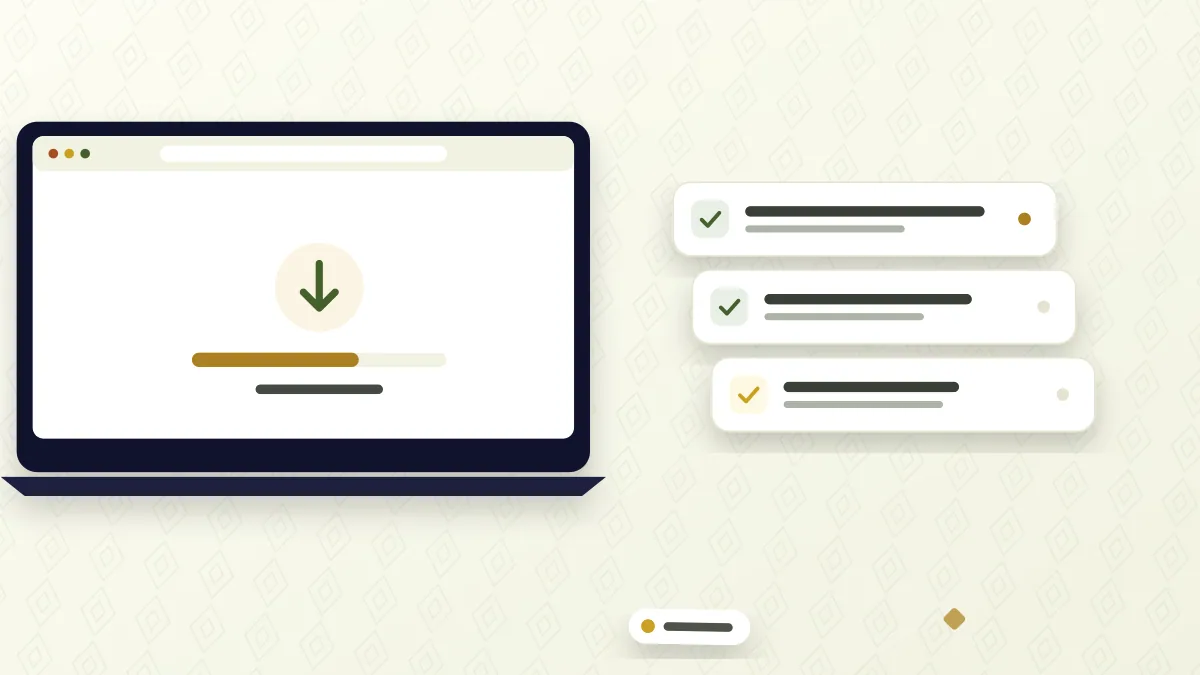
Modern browsers can turn a site into an ‘app’. In Chrome and Edge click the install icon on the right of the address bar or find Install in the menu. The site gets its own window, an icon in the Start menu and on the desktop, and the ability to send notifications while minimised.

It is the same site, so the cashier, login and bet history work unchanged. Such a shortcut takes under a megabyte and uninstalls like any program.
A shortcut app without installation

The Android app through an emulator

If you specifically need the mobile app — for push notifications about settled bets and automatic bypass of domain blocks — you can run Android on a computer. Popular emulators: BlueStacks, LDPlayer, NoxPlayer. After installing the emulator, download the APK from the operator’s official site and drag the file into the emulator window.

Bear in mind that an emulator weighs several gigabytes, requires virtualisation enabled in BIOS and loads the processor noticeably. On laptops with weak cooling this is tangible. The APK should still come only from the operator’s site — the safety rules are the same as in the main guide.

Computer requirements

For the browser version and the shortcut any computer that opens modern sites is enough: Windows 10 or 11, macOS 11 or newer, a current browser and a stable connection of 5 Mbps or more for live streams. An emulator needs a noticeably more powerful computer: several gigabytes of free RAM and disk space and virtualisation enabled in the BIOS.

In all cases keep a phone with your confirmed number nearby: codes for login, password changes and bonus activation arrive by SMS. After app updates, see the section on the latest version.

Access to betting is from age 18 only. Signs that it is time for a break, and the available tools, are on the responsible gaming page.

Comparison

Three ways to use 888starz on PC

CriterionBrowserShortcut appAndroid emulator
Installationnone1 clickemulator + APK
Disk space0minimalseveral GB
Notifications✕✓✓
Works when the domain is blocked✕✕✓
Load on the computerlowlowhigh
Suitable for weak PCs✓✓✕

Account, cashier and live betting features are identical in all three options.

Questions about the desktop version

Is there an official 888starz program for Windows?

No. The operator releases apps for Android and iOS and offers the website on desktop. '888starz.exe' files from third-party sites are not official.

How is a shortcut app different from a normal tab?

It is PWA technology: the site opens in its own window, gets an icon in the Start menu and can send notifications. Data is stored by the browser, nothing extra is installed.

Is an emulator worth it for the APK?

Only if you need the mobile app's push notifications and resistance to blocks. For betting on a big screen the browser version is more than enough.

Can I deposit from a computer with a Humo card?

Yes, the cashier is the same in the browser and in the app: Humo, Uzcard/Humo (P2P), Payme, Visa and MasterCard, cryptocurrencies. Deposits are instant and free.

Do bets sync between phone and computer?

Yes, it is one account. A bet placed from the computer appears in the phone history immediately, and vice versa.

Use 888starz on a big screen

Open the operator's site, install the shortcut app and use your account without limits.

Open in browser18+Play responsibly